Invoice automation with n8n and AI covers the whole lifecycle, not one step: invoices arrive by email or upload, a model extracts fields, line items, and VAT into structured data, validation rules catch what looks wrong, a human approves what matters, and the workflow posts, matches payments, and chases the unpaid.
This is a build guide for the workflow family we design most often, because almost every company has it and almost every company runs it on copy-paste. We assemble these pipelines as part of our n8n development work — one branch of a wider business process automation practice — and below is the full anatomy: each stage, where AI belongs, where it must not be trusted alone, and what separates a demo from a workflow you can stop thinking about.
Manual, rules-only, AI-assisted: what breaks and what it costs in attention
Most companies already own an OCR feature or an accounting-software import, so the useful comparison is three ways of running the same pipeline — and the honest metric is attention: how much of a working week the process consumes in typing, checking, and interruptions.
| Stage | Manual | Rules-only (OCR + templates) | AI-assisted (n8n + LLM) |
|---|---|---|---|
| Data capture | A person retypes every field from the PDF | A template per supplier layout; breaks the day a supplier redesigns their invoice | The model reads fields and line items regardless of layout; low-confidence reads are flagged, not guessed |
| Totals & VAT | Checked by eye, when there is time | Arithmetic checks only on fields the template mapped | Arithmetic and VAT-rate checks run on the full extracted structure; mismatches get a reason code |
| Non-standard invoices | Sit in an inbox until someone asks about them | Fall out of the template into a manual pile — usually the biggest pile | Classified and routed to review with the extracted context already attached |
| Approvals | Forwarded emails and hallway questions | Fixed thresholds, if the tool supports them at all | Amount- and risk-based routing into chat; one tap to approve, with the original PDF linked |
| Payment matching | Someone eyeballs the bank statement | Exact reference match or nothing | Tolerant matching on reference, amount, and date; leftovers queued with suggested matches |
| Chasing overdue invoices | Happens when someone remembers | A fixed dunning schedule that ignores replies | Sequenced reminders that stop on payment, dispute, or an answer |
| What it costs in attention | Recurring hours of a real person, plus the interruptions between them | Permanent template maintenance, one supplier at a time | Reviewing the exceptions the system flags — and only those |
The rules-only column deserves a fair word: for ten suppliers who never change their layouts, templates work. But supplier lists and layouts are never stable, so the maintenance never ends. AI extraction removes the per-supplier setup and moves the engineering effort where it now belongs: validation and safe failure.
The build, step by step
- One front door for every invoice. An n8n trigger watches a dedicated mailbox; a small upload form covers the invoices that arrive by hand. Attachments are normalized — PDF, scan, photo, or e-invoice XML — deduplicated by file hash and supplier-plus-number, and placed in a single queue. A surprising share of invoice pain is simply not knowing where a document entered the company.
- AI extraction into a fixed schema. The document goes to a language model — an OCR pass first for scans — that must return strict JSON: supplier and VAT ID, invoice number, issue and due dates, currency, net, VAT, and gross, bank account, and every line item with its VAT rate, plus a confidence signal per field. The model’s job ends at structured data — it decides nothing and writes nowhere.
- Validation as boring code. Deterministic checks, not AI: line items must sum to the net amount, net plus VAT must equal gross, the VAT rate must be plausible for the supplier’s country, the VAT ID must pass a format check, the invoice number must not already exist in the ledger — and a bank account that differs from the supplier’s known one raises a fraud flag. Every failed check produces a reason code the next stage can act on.
- Approval where a human belongs. Routing by amount and risk: a recurring utility bill under a threshold you set can post automatically if you choose; everything else lands in Telegram or Slack as a short summary — supplier, amount, due date, whatever the validators flagged — with the original PDF one click away. Approve or reject in chat; silence past a deadline escalates instead of stalling the queue.
- Posting to the systems of record. The approved invoice is created in your accounting tool with the PDF attached, and whatever your CRM or ERP tracks — project costs, supplier history — is updated in the same run. The write is idempotent: if the workflow ever executes twice, the invoice still posts once.
- Outbound invoices on the same rails, reversed. A deal marked won in the CRM triggers generation from order data — positions, rates, tax treatment — delivery to the client, and a record in accounting, while numbering and fiscal rules stay where they legally live: in your accounting system or fiscal service, never in a workflow.
- Payment matching. A bank feed or payment-provider webhook brings in transactions; the workflow matches on payment reference first, then on amount, date, and counterparty within tolerances. Matches close the invoice; the rest waits in a review queue with the closest candidates suggested, so the human decision takes seconds, not a statement read-through.
- Chasing that knows when to stop. Reminders run from the due date on a sequence you approve — a gentle note, a firmer one, a final notice — and halt the moment a payment lands, a dispute opens, or the client replies. Every send is logged on the invoice record, so nobody chases a bill settled yesterday.
A worked example, assumptions included
Numbers first, sources stated: this is arithmetic on assumptions, not a measurement from a named client — swap in your own figures before believing any of it. Take a company receiving 200 supplier invoices a month. Assume a clean invoice takes four minutes to key in, check, and file, and one in ten needs a clarification email costing ten more. That is roughly 13 hours of entry plus 3 hours of correspondence — about two working days a month of pure processing, before counting the interruptions that fragment the days around it.
Run the pipeline above and the same 200 invoices produce a different workload: one-tap approvals measured in seconds, plus an exception queue. If extraction and validation flag, say, 15 percent for review at two to three minutes each, the recurring human work is well under two hours — arriving batched in one channel instead of scattered across a month of inboxes. Whether that trade justifies a build is your call, made with your own volumes — our job is keeping the arithmetic this transparent.
What makes it production-safe
The difference between a demo and a system is what happens on a bad day: an accounting API rate-limits, a model times out, a scan reads as noise. A pipeline that swallows those failures is worse than no pipeline, because everyone believes the work is done.
So the safety layer is part of the same build, not garnish. Every node that touches an external system has an error branch, and a dedicated error workflow files the failed document into an explicit stuck state instead of letting it vanish. Transient failures — timeouts, rate limits — retry with backoff; validation failures never retry, because a wrong VAT total will be wrong the fifth time too. Alerts land in the same chat channel as approvals, so the queue owner sees trouble where they already work. And a daily digest compares documents in against documents posted — the gap is the queue, and a queue growing older is itself an alarm.
The AI gets its own guardrails. Extraction confidence below threshold sends the document to the review lane rather than onward. The model never writes to the ledger — the workflow does, after deterministic checks, under an idempotency key. And every invoice keeps a full trail: the original file, the extracted JSON, each validator’s verdict, who approved, and when it posted. When your accountant asks why something was paid, the answer is on the record, not in anyone’s memory.
Where this pattern comes from
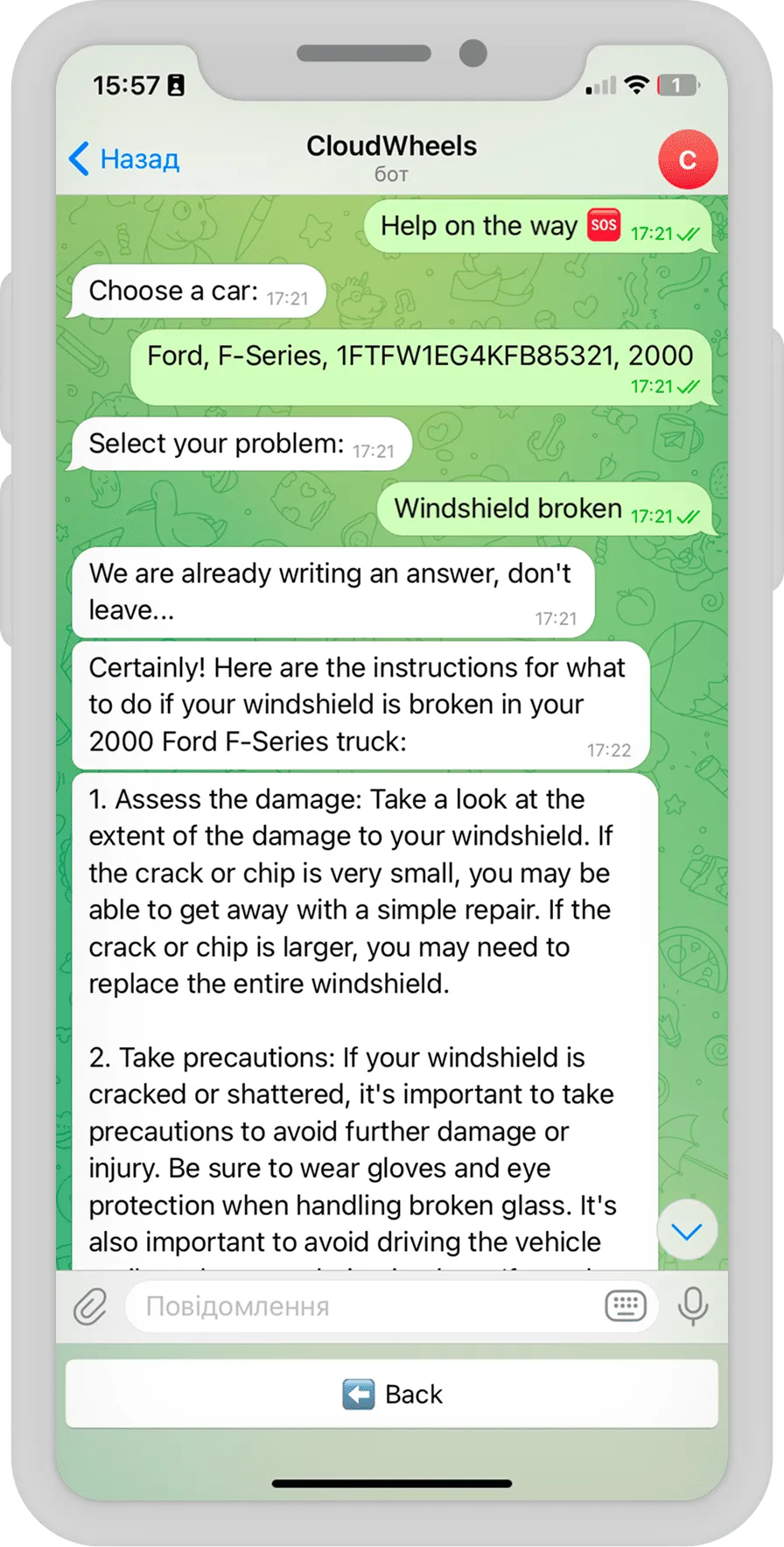
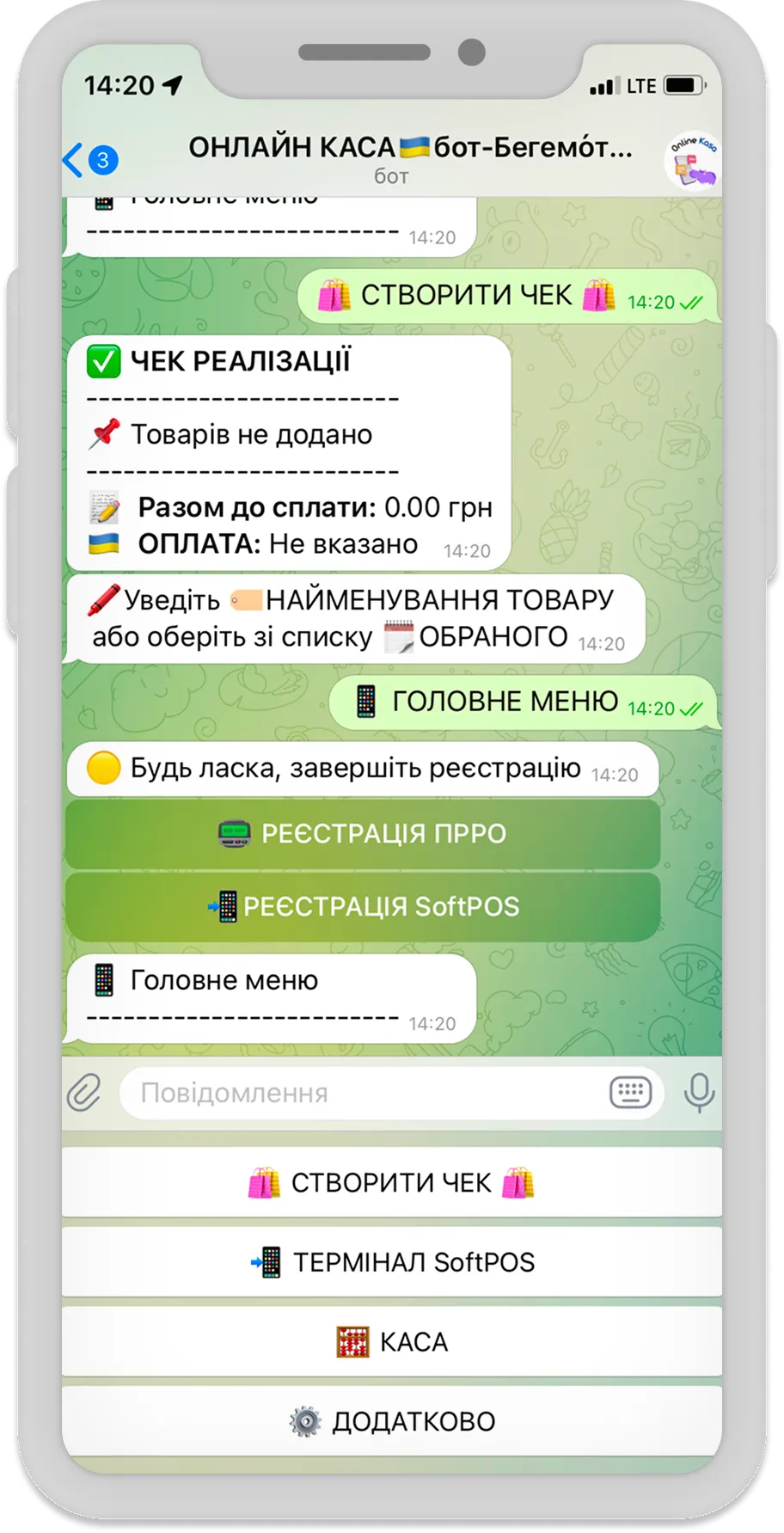
You will not find a flagship “invoice automation” case study linked here: this article describes a pattern, assembled from adjacent work we have shipped rather than one project. The payments-and-documents depth comes from Online Casa, where we built a chatbot through which small businesses sell goods, issue fiscal receipts via integrated software cash registers, accept tap-to-pay card payments on a smartphone, and handle tax reporting — fiscal-grade document and payment plumbing. The CRM-integrated automation depth comes from CloudWheels, where an AI assistant we embedded in an auto service’s CRM runs maintenance reminders and segmented marketing, and grew post-service sales fourfold. The invoice lifecycle sits between those two competencies — exactly why it is the pattern we build.
Frequently asked questions
How accurate is AI invoice extraction?
On clean digital PDFs, current models read standard fields reliably; accuracy drops on poor scans, photos, and handwritten additions. That is why the architecture assumes imperfection: confidence thresholds, deterministic validation, and a human review lane. The goal is not zero human touches — it is touching only the documents that earn it.
Can invoice data stay on our own infrastructure?
Yes, and for financial documents that is often the deciding requirement. n8n self-hosts on your server, and the extraction step can call a model endpoint you control — including fully self-hosted models — so invoices never transit a third-party automation cloud.
Does this replace our accounting software?
No. Your accounting system remains the system of record for numbering, tax logic, and reporting; the workflow feeds it clean data and pulls status back out. Replacing it would trade a legal-grade ledger for a diagram.
Which systems can the workflow connect to?
Mainstream accounting platforms, CRMs, and banks with APIs or exports are all reachable — via ready-made n8n nodes where they exist, custom code steps where they do not. The second category is common in invoicing, which is why this pattern rewards a team that writes software, not only workflows.
We already run Zapier or Make — does this pattern transfer?
The stages transfer; the fit does not always. Invoice pipelines lean hard on custom validation code, self-hosting, and high run volumes — three areas where the platforms differ sharply. The full three-way breakdown, plan-by-plan, is in n8n vs Make vs Zapier.
Do we have to automate the whole lifecycle at once?
No — intake, extraction, and approval form a working first release; posting, matching, and chasing bolt on once the front of the pipeline has earned trust. Each stage pays back separately, which keeps the project honest.
Where to start
Bring us the shape of your invoice flow — volumes, systems, and the step that hurts — and we will tell you which stages to automate first and what the build honestly involves; if a simpler tool or a partial build serves you better, you will hear that too. The entry points are our n8n development squad for the build itself and business process automation for the wider process map. And if you are one decision earlier — unsure whether point automation should precede any bigger ERP or CRM decision — that argument lives in our piece on n8n as the first step of digital transformation.